

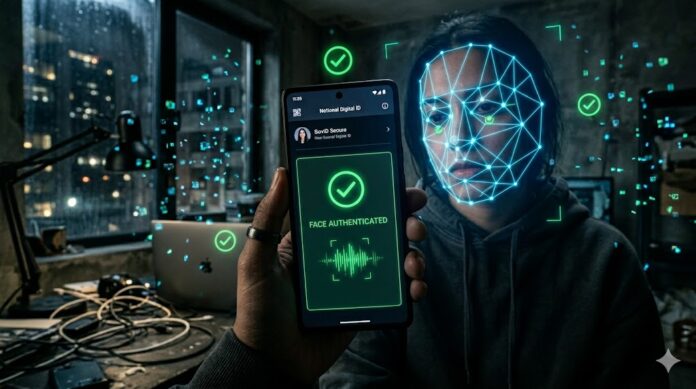
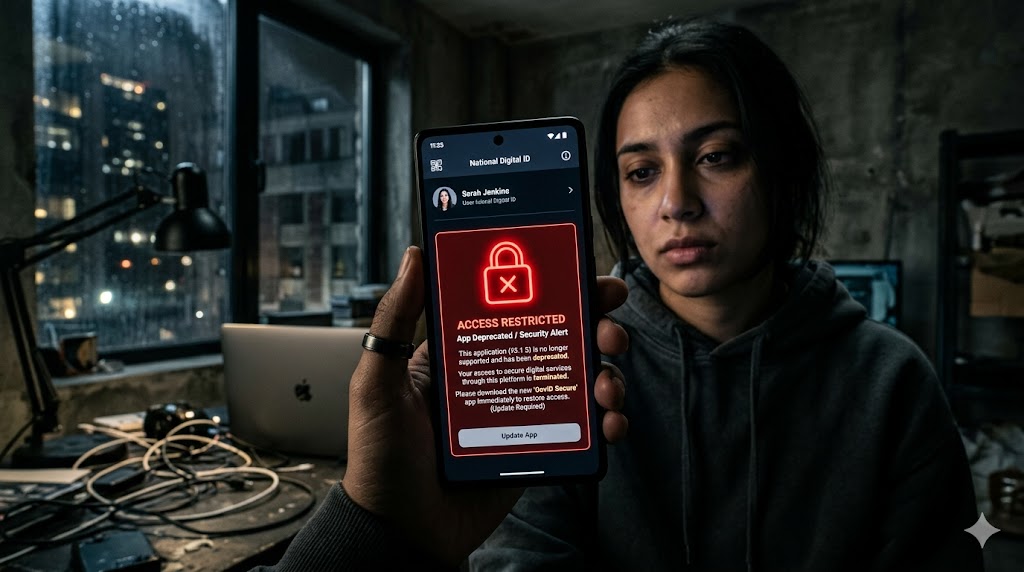
Imagine standing in a bustling queue at an airport security gate or checking into a hotel after a exhausting flight. You instinctively pull out your phone, tap the familiar mAadhaar icon to flash your ID, only to find an alert staring back at you: the platform has officially been retired. That minor inconvenience is sparking a wave of real-time panic across India this week. For millions of everyday smartphone users who rely on the app as their ultimate pocket-sized proof of identity, the sudden deprecation feels like losing their physical wallet in mid-air.
However, this isn’t a tech glitch or a basic cosmetic update—it’s the dawn of a massive upgrade. The Unique Identification Authority of India (UIDAI) is entirely phasing out the legacy system to make way for a highly advanced, next-generation Aadhaar architecture. Designed with cutting-edge face authentication and privacy-first “selective sharing” features, this transition marks a complete overhaul of our national digital identity wallet, fundamentally changing how we secure and verify who we are.Imagine standing in a bustling queue at an airport security gate or checking into a hotel after a exhausting flight. You instinctively pull out your phone, tap the familiar mAadhaar icon to flash your ID, only to find an alert staring back at you: the platform has officially been retired. That minor inconvenience is sparking a wave of real-time panic across India this week. For millions of everyday smartphone users who rely on the app as their ultimate pocket-sized proof of identity, the sudden deprecation feels like losing their physical wallet in mid-air.
However, this isn’t a tech glitch or a basic cosmetic update—it’s the dawn of a massive upgrade. The Unique Identification Authority of India (UIDAI) is entirely phasing out the legacy system to make way for a highly advanced, next-generation Aadhaar architecture. Designed with cutting-edge face authentication and privacy-first “selective sharing” features, this transition marks a complete overhaul of our national digital identity wallet, fundamentally changing how we secure and verify who we are.
The shift away from old SMS-based One-Time Passwords (OTPs) to mandatory AI Face Authentication is a direct response to increasingly sophisticated cyber threats. While SMS OTPs were once the gold standard of quick digital verification, they rely on a telecom infrastructure that was never built to withstand modern identity theft.
The underlying technical flaws of the legacy system make this transition necessary, and the advanced artificial intelligence powering India’s new national digital identity wallet addresses those vulnerabilities.
The Severe Security Flaws of SMS-Based OTPs
Relying on a text message to prove an identity introduces multiple points of vulnerability between the central server and a user’s mobile screen.
1. SIM-Swapping Fraud
In a SIM-swapping attack, fraudsters bypass mobile device security entirely. By using phishing or bribing telecom employees, criminals trick mobile carriers into porting a target’s phone number onto a blank SIM card under the fraudster’s control. Once active, every financial and identity verification OTP bypasses the victim’s phone completely and lands directly in the hands of the criminal.
2. OTP Interception Malware
Modern smartphone malware—often disguised as harmless utility apps or sideloaded through malicious links—can quietly request permission to read SMS logs. When an identity verification request triggers an OTP, the malware intercepts the text message background and transmits it to a remote command-and-control server within milliseconds, authenticating unauthorized requests before the user even realizes a text arrived.
3. Lookalike Photo Scams (Biometric Spoofing)
Legacy digital identity tools that utilized basic photo displays or static image uploads were highly vulnerable to presentation attacks. Fraudsters could easily bypass these checks by holding a high-resolution printed photograph, a digital image on a tablet, or a pre-recorded video clip up to the camera lens to trick standard optical systems into validating a fraudulent login.
Behind the Screen: How AI Face Authentication Works
To permanently sever the link between identity security and vulnerable telecom networks, the new Aadhaar architecture utilizes decentralized, AI-driven edge computing and central biometric cross-checks.
[ Front Camera ] ──> [ 1. Depth Mapping ] ──> [ 2. Liveness Detection ]
                                                      │
[ Central Database ] <─── [ 3. 1:1 Encrypted Match ] <┘
The system operates through three primary layers of real-time validation:
1. Infrared & Spatial Depth Mapping
When the front camera is activated within the official application, the system does not just snap a flat 2D photograph. It analyzes structural facial geography. The AI measures the precise spatial distances between key facial landmarks—such as the bridge of the nose, the contours of the jawline, and the depth of the eye sockets. This transforms the face into an individualized, mathematical grid that cannot be replicated by a flat piece of paper or a digital monitor.
2. Micro-Movement Liveness Detection
To neutralize high-tech photo and video spoofs, the application employs passive and active liveness detection algorithms. The on-device artificial intelligence actively scans for organic human traits, analyzing:
- Micro-expressions and muscle twitches.
- Natural eye-blinking patterns.
- The way ambient light naturally reflects off human skin versus a printed paper surface or a glass smartphone screen.
If the system detects a static texture or the distinct pixel-refresh rate of a digital display, the authentication attempt is instantly blocked.
3. Real-Time 1:1 Encrypted Central Matching
Once the on-device AI confirms a live, physical human presence, the captured facial metrics are immediately converted into an isolated mathematical template. This template is heavily encrypted using end-to-end security protocols and transmitted securely to the Central ID Data Repository (CIDR).
The central system executes a strict 1:1 biometric comparison, matching the live template directly against the high-resolution, secure biometric photo on file from the user’s original Aadhaar enrollment.
Privacy-First Data Minimization
Unlike older platforms that displayed an individual’s entire digital card upon opening, the new architecture operates on a principle of data minimization.
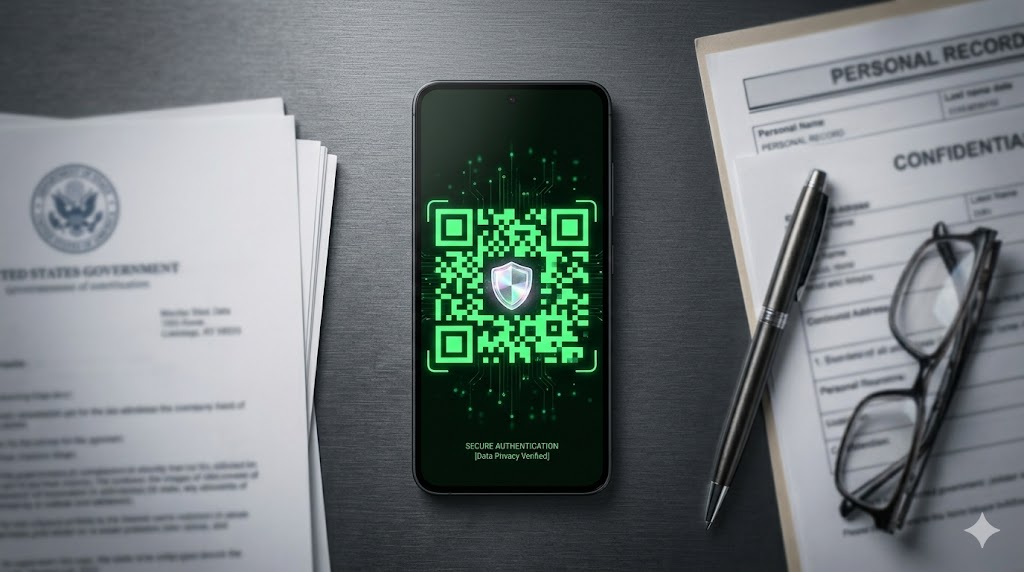
When verifying an identity at a hotel desk or airport gate, the system utilizes secure, offline QR codes and selective sharing. Instead of exposing a full profile or identification number, the app generates a cryptographically signed token confirming a match. The user shares only the specific data required for that transaction (such as a name and photo validation), ensuring personal digital identity remains entirely within the user’s control.
The architecture of the new Aadhaar application introduces a shift in consumer privacy, specifically engineered to dismantle the culture of data harvesting and identity theft in India. By transitioning away from standard static cards and physical photocopies, the platform implements Masked Aadhaar display protocols and dynamic, QR-selective data sharing.
This mechanism shifts the balance of power back to the user, stripping local businesses and third-party agents of their ability to collect, log, or exploit your permanent, 12-digit identification number.
Stopping the Local Data Harvest
For years, checking into a hotel, purchasing a new mobile SIM card, or dealing with delivery agents required handing over a physical identity document or displaying a digital layout that explicitly exposed a permanent 12-digit number. This created a massive, decentralized security vulnerability.
Local vendors frequently photographed these documents, stored them in unsecured smartphone galleries, or maintained poorly protected paper logs. Over time, these practices fueled a thriving black market for identity theft, where bad actors cross-referenced exposed numbers to create fake bank accounts, execute loan fraud, or orchestrate targeted social engineering scams.
The new application addresses this vulnerability by enforcing Masked Aadhaar parameters across its primary interface.
When an identity card is opened within the app, the first eight digits of the permanent number are completely redacted and replaced with cryptographic placeholders (e.g., xxxx xxxx), exposing only the final four digits. Because the app prevents local screenshots and screen-recording, local entities can no longer visually capture or manually extract a user’s permanent, lifelong digital identifier.
The Mechanics of QR-Selective Data Sharing
To facilitate zero-trust verification without exposing raw data, the application utilizes an on-demand, dynamic Offline Paperless e-KYC mechanism delivered via single-use QR codes.
[ User Selects Fields ] ──>[ App Generates Temp QR ]
        │                                            │
 (Name & Photo Only)       (Cryptographically Signed)
──> [ Vendor Scans QR ]
                 │
(Only Authorized Fields Decoded)
Instead of sharing an entire profile, the verification process operates under strict data minimization guidelines:
- Granular Consent Selection: Before generating a verification code, the application prompts the user to select the exact fields required for the specific transaction. For instance, a hotel check-in may only require a name and photo validation, while a telecom vendor might require age verification.
- Dynamic Generation: Once the fields are selected, the app’s internal cryptographic engine compiles the specific parameters, appends a secure time-stamp, and generates a dynamic QR code. This code is entirely local and does not display any visible plain text.
- Cryptographic Signing: The generated QR code contains a secure dataset digitally signed by the central authority’s private key. When a local business scans this code using an authorized verification reader, the scanner decrypts and reads only the specific fields the user consented to share. The core identification digits remain completely hidden within the encrypted matrix.
- Single-Use, Time-Bound Expiration: These dynamic QR codes are structurally temporary. They are built with brief expiration windows and automatically invalidate after a single successful scan or after a few minutes of inactivity. If a vendor attempts to save, duplicate, or re-scan the QR code later, the verification device rejects it as expired.
Putting a Check on Identity Theft
This architectural shift effectively neutralizes data harvesting at the point of collection. Because local businesses, delivery networks, and third-party vendors never receive the underlying 12-digit identification number, they cannot accumulate a permanent database of customer identities.
If a business’s local database or scanning app is later breached, hackers find no permanent identification numbers or actionable identity profiles to steal. By transforming a permanent, lifelong identifier into a series of ephemeral, permission-restricted digital tokens, the next-generation infrastructure establishes a secure framework for identity verification across India.
Migrating from the retired mAadhaar app to India’s next-generation digital identity ecosystem requires a systematic setup. Because this transition introduces advanced AI security layers, you must configure both the primary user application and the underlying biometric service framework correctly.
Follow this step-by-step technical guide to complete the migration securely.
Step 1: De-register and Purge Your Old Profile
Before deleting the deprecated mAadhaar app, you must wipe your local cryptographic keys and identification data to prevent offline exploitation if your device is ever lost or compromised.
- Open the legacy mAadhaar app on your device and log in using your existing 4-digit PIN.
- Access Profile Settings: Tap on your profile avatar or navigate to the settings menu in the top corner.
- Delete Profile: Select the “Delete/De-register Profile” option. The app will prompt you for your account PIN or a final SMS OTP to confirm.
- Clear Storage Cache: Exit the app, go to your phone’s system settings (
Settings > Apps > mAadhaar), select Storage, and tap “Clear Data” and “Clear Cache”. - Uninstall: Long-press the app icon and select Uninstall to completely remove the legacy platform from your device.
Step 2: Download the Official Ecosystem Applications
The new architecture splits identity management and live biometric verification into separate components. You must download the official client application along with the required system interface extension.
⚠️ CRITICAL SECURITY WARNING: Do not search for or download standalone “Aadhaar .APK” installers from web browsers, third-party stores, or forwarded links on messaging platforms like WhatsApp. Fraudsters are actively deploying data-harvesting malware disguised as the new app. Only download from official repositories.
- For Android Users: Open the Google Play Store. Download the primary app, “Aadhaar” (published by the Unique Identification Authority of India).
- Download the Biometric Service Engine: Next, search for and install “AadhaarFaceRD” by UIDAI.
- Note: This is a “headless” background service; it will not create a visible app icon on your home screen, but it is technically mandatory for processing AI facial depth validation.
- For iOS Users: Open the Apple App Store, search for “Aadhaar” and “AadhaarFaceRD” published by UIDAI, and download both applications directly to your iPhone.
Step 3: Link Your Registered Mobile Number
The new architecture uses a layered verification model rather than a simple single-stage login.
- Initialize: Launch the newly installed Aadhaar application and select your preferred language interface.
- Enter Mobile Credentials: Input the exact registered mobile number linked directly to your identity record at the central repository.
- Network Token Validation: The system will transmit a secure, time-bound network token to your device. Input the received OTP to authenticate your hardware profile.
- Set App Passcode: Create a new, strong 4-digit security PIN or link your phone’s native biometrics (e.g., hardware fingerprint sensor or Face ID) to encrypt the application workspace locally.
- Load Identity Shell: Enter your 12-digit identification number and complete the final secondary SMS checkpoint to sync your masked dashboard.
Step 4: Configure the Initial AI Face-Scan
To activate features like dynamic QR-selective data sharing, you must complete the face authentication setup. This configures the local application to pass real-time liveness checks.
- Environmental Check: Move to a well-lit room. Avoid direct, harsh backlighting (such as standing directly in front of a bright window or lamp), which creates shadows and triggers an illumination error.
- Camera Preparation: Clean your front-facing camera lens to remove smudges that degrade spatial data capture. Stand against a neutral, solid-colored background.
- Grant System Permissions: When the application initiates the camera request via the
AadhaarFaceRDservice, select “Allow while using the app.” - Execute the Scan: Hold your smartphone steady at eye level, roughly 10–12 inches away from your face.
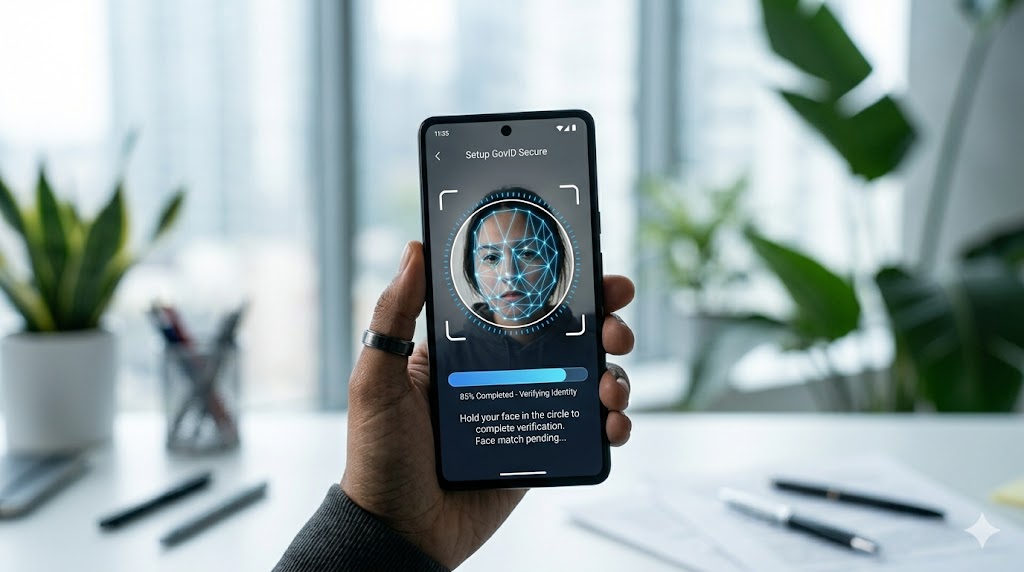
- Liveness Verification: Align your face within the on-screen circular outline. The AI will prompt you to perform a natural human action to defeat static presentation attacks—keep your head still and blink your eyes naturally when instructed.
Once the mathematical depth template matches the central repository snapshot, your advanced national digital identity wallet is fully activated and ready for secure, privacy-first deployment.
Navigating the Friction of a Smarter Future
This massive architectural shift is about more than just downloading a new background service or adjusting to a different verification screen—it aligns with our core philosophy of intentional lifestyle design. In an era where technology rewrites the rules of daily life overnight, adapting to rapid digital upgrades is no longer just a technical chore; it is a mandatory survival skill for the modern Renaissance Student. To be a Renaissance Student means navigating the intersection of technology, privacy, and personal autonomy with agility, transforming what looks like a minor logistical headache into an opportunity to master your own digital footprint.
Change, especially when it disrupts an ingrained habit like pulling up a familiar app at a security gate, always brings a moment of friction. It is easy to feel frustrated when seamless routines are suddenly paused for an upgrade. But when that brief friction buys complete protection against SIM-swapping, data-harvesting vendors, and identity fraud, the trade-off becomes a necessity. We are trading a legacy of vulnerability for a future of absolute control.
As we delete the old and configure the new over the coming days, let’s lean into the transition rather than resist it. Secure your data, update your access protocols, and step confidently into a landscape where your privacy is fiercely protected by design. It’s time to adapt, upgrade, and say, Goodbye mAadhaar: The New Identity Era.